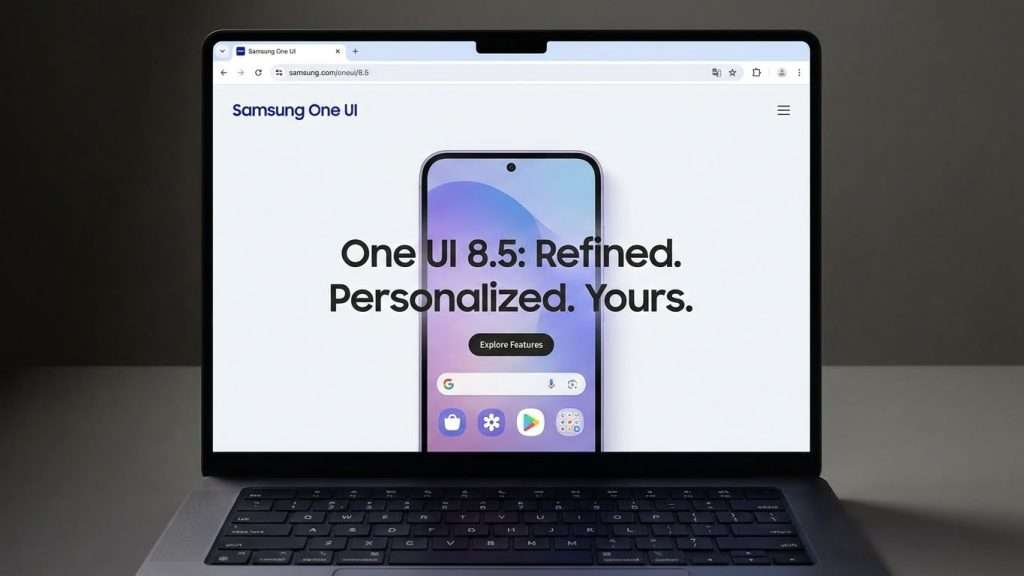
One UI 8.5 Beta Now Available for Select Samsung Phones
Samsung has begun rolling out the One UI 8.5 beta, but it is currently limited to a select group of devices. If you own a Galaxy S25, Galaxy S25 Plus, or Galaxy S25 Ultra, you can now sign up to test the latest version of Samsung’s custom Android interface. However, owners of the Galaxy S25 Edge and Galaxy S25 FE are not eligible for this beta at the moment, despite these models being part of the S25 series. The beta is also geographically restricted to users in the United States, United Kingdom, South Korea, India, Germany, and Poland.
Steps to Download the One UI 8.5 Beta
To get started with the One UI 8.5 beta, you first need to have the Samsung Members app installed on your phone. Once installed, open the app and look for the One UI beta programme banner, which should appear either at the top or near the bottom of the screen. Tap on this banner, then select the One UI 8.5 S25 Beta option and choose to join the programme. After joining, check for software updates in your phone’s settings. The One UI 8.5 update should then download and install, after which a restart will finalise the process.
If the beta banner does not appear, it is advisable to confirm that your Samsung account is properly enrolled in the beta programme. This can be verified within the Samsung Members app under Settings and Beta programme settings. In cases where the update does not show up even after joining, withdrawing from the beta and rejoining may resolve the issue.
Common Issues with Joining the Beta
Some users have reported difficulties joining the One UI 8.5 beta, encountering a persistent “Processing join request” message after tapping the join button. This issue has been widely discussed on the r/OneUI subreddit, with users noting that the app fails to transition to the “Joined” status, instead prompting a “Try again” message. Unfortunately, there is no guaranteed fix for this problem at present.
One workaround is to try enrolling another eligible Galaxy S25 device if available. For example, while a Galaxy S25 Ultra might get stuck on the processing message, a standard Galaxy S25 could successfully download the beta. If you only have one eligible device, patience is the best approach, as the status may eventually update on its own after some time.
Background and What to Expect Next
The One UI 8.5 update builds upon Samsung’s established One UI 8.0 foundation, bringing incremental improvements and new features tailored for the Galaxy S25 series. Samsung typically uses beta programmes to gather user feedback and iron out bugs before a wider public release. Given the limited initial availability, it is expected that the beta will expand to more devices and regions in the coming weeks.
For now, Galaxy S25 users in supported countries can take advantage of early access to the new interface, while others will need to wait for the official rollout. Keeping an eye on the Samsung Members app and official announcements will be key to staying up to date with the latest developments.
Overall, the One UI 8.5 beta offers a glimpse into Samsung’s ongoing efforts to refine its software experience, and it will be interesting to see how the final version shapes up once it reaches a broader audience.