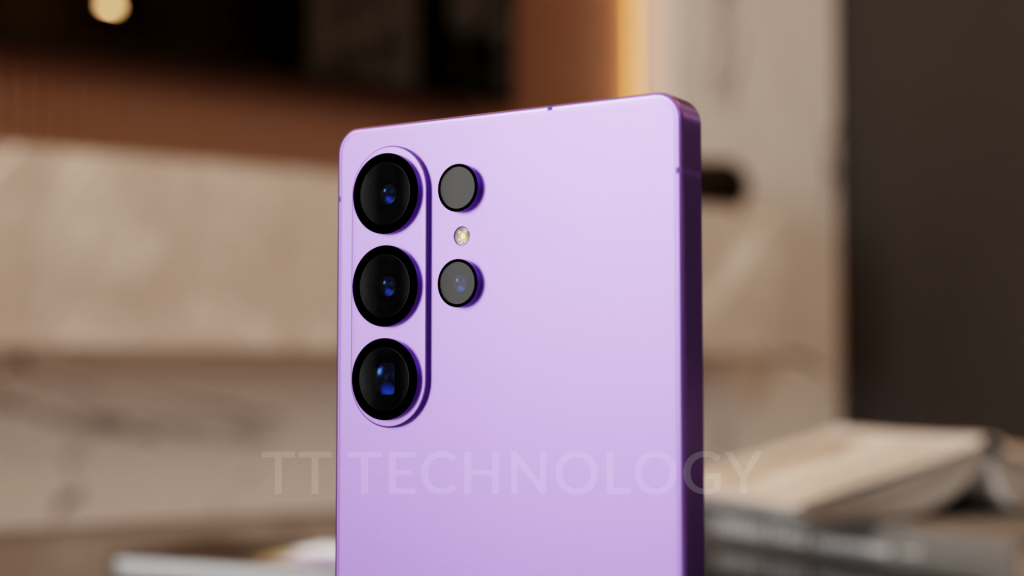
New Camera Assistant Features Spotted for Galaxy S26 Ultra
Samsung appears to be developing new camera controls aimed at enhancing video quality and autofocus performance, potentially debuting with the upcoming Galaxy S26 Ultra. These features have been uncovered within the Camera Assistant Good Lock app, a specialised module separate from the standard Camera app on One UI. Among the additions are toggles for video softening and adjustable autofocus speed and sensitivity, signalling a push towards more professional-grade camera tools.
Video Softening and Autofocus Adjustments
The Camera Assistant app already includes a “Picture softening” feature that allows users to reduce harsh details in photos, creating smoother and more natural-looking images. Building on this, the new “Video softening” option is designed to apply similar smoothing effects to video recordings, potentially helping to soften skin tones and reduce digital noise. This could be particularly appealing for users who find that videos captured on their Galaxy phones are too sharp or overly defined.
In addition to video softening, new settings for autofocus speed and sensitivity have been discovered. These controls will enable users to fine-tune how quickly the camera adjusts focus and how sensitive it is to changes in the scene. Specifically, “Shift sensitivity” manages how rapidly the autofocus shifts between subjects entering or leaving the frame, while “Transition speed” determines the smoothness of the refocusing movement. Such granular control over autofocus behaviour could benefit videographers and photographers seeking precise focus adjustments.
Context and What to Expect
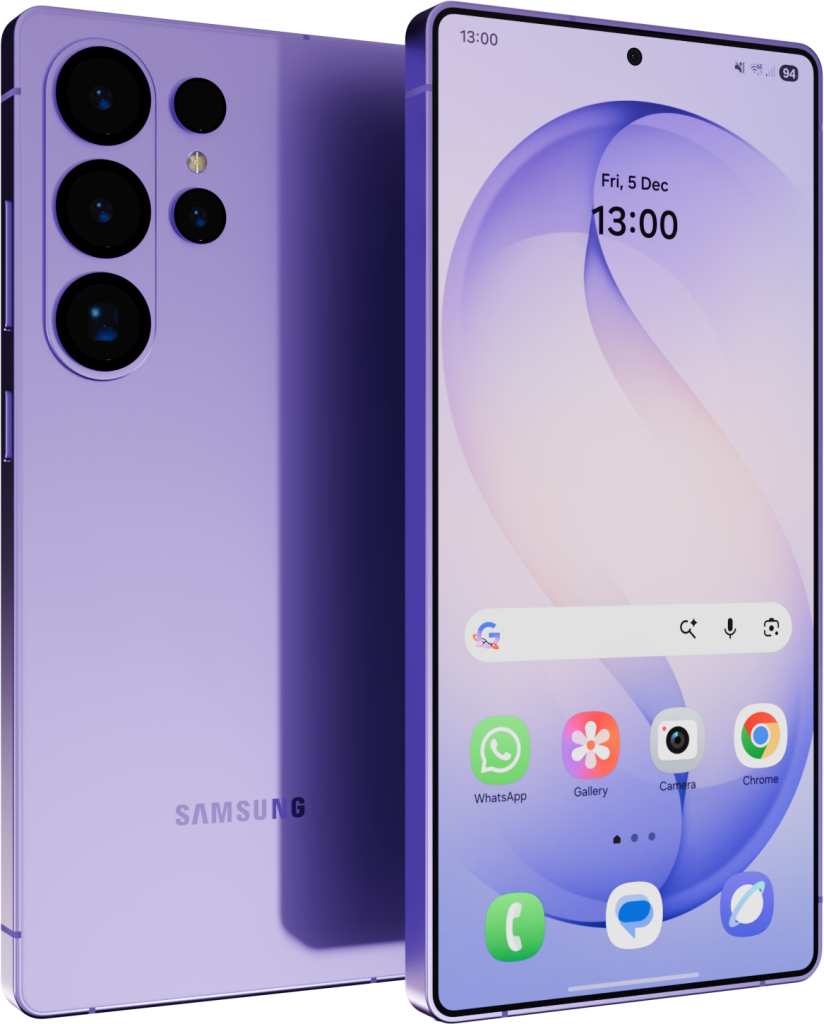
These features were identified in the One UI 8.5 beta code for the Camera Assistant Good Lock module but are not yet active in the beta version available for the Galaxy S25 series. This suggests that Samsung may reserve these capabilities for the Galaxy S26 series, particularly the Ultra model, to position it as a flagship device catering to camera enthusiasts and professionals.
Samsung has a history of enhancing camera functionality with each new flagship launch, and integrating advanced toggles like video softening and autofocus customisation aligns with this trend. The Camera Assistant Good Lock app serves as a platform for more detailed camera settings beyond what the default Camera app offers, allowing users to tailor their photography and videography experience more precisely.
Looking Ahead
While these discoveries come from an APK teardown and represent features in development, there is no guarantee they will appear in the final public release. Nonetheless, they provide a promising glimpse into Samsung’s potential direction for the Galaxy S26 Ultra’s camera system. Fans and professionals alike will be keen to see if these tools make it to the official launch, which is expected to be revealed at a future Samsung Unpacked event.
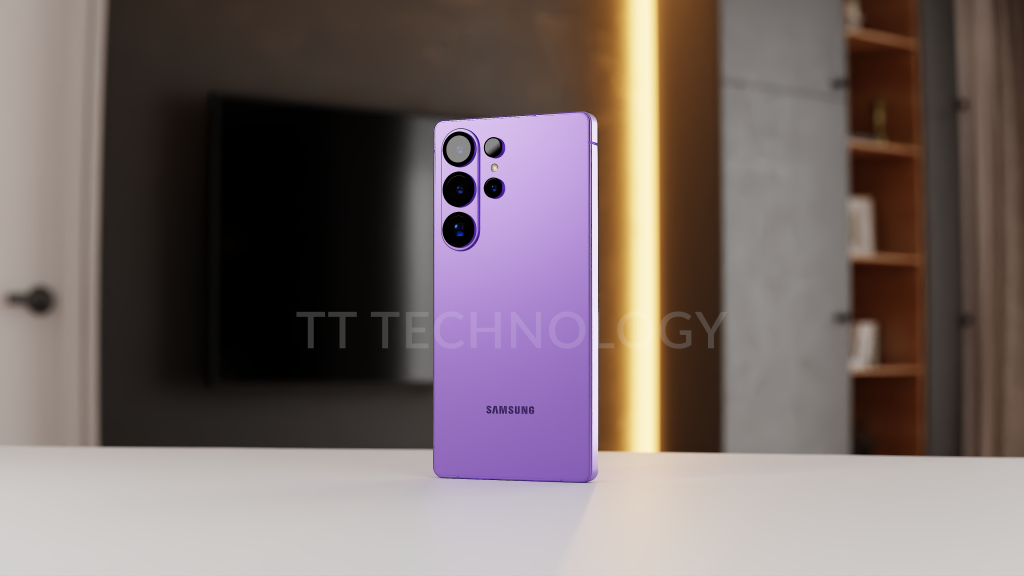
For now, the camera enhancements in the Camera Assistant app suggest Samsung is continuing to prioritise advanced imaging capabilities, aiming to deliver a high-end experience for users who demand more control over their smartphone photography and videography.
Source: Android Authority