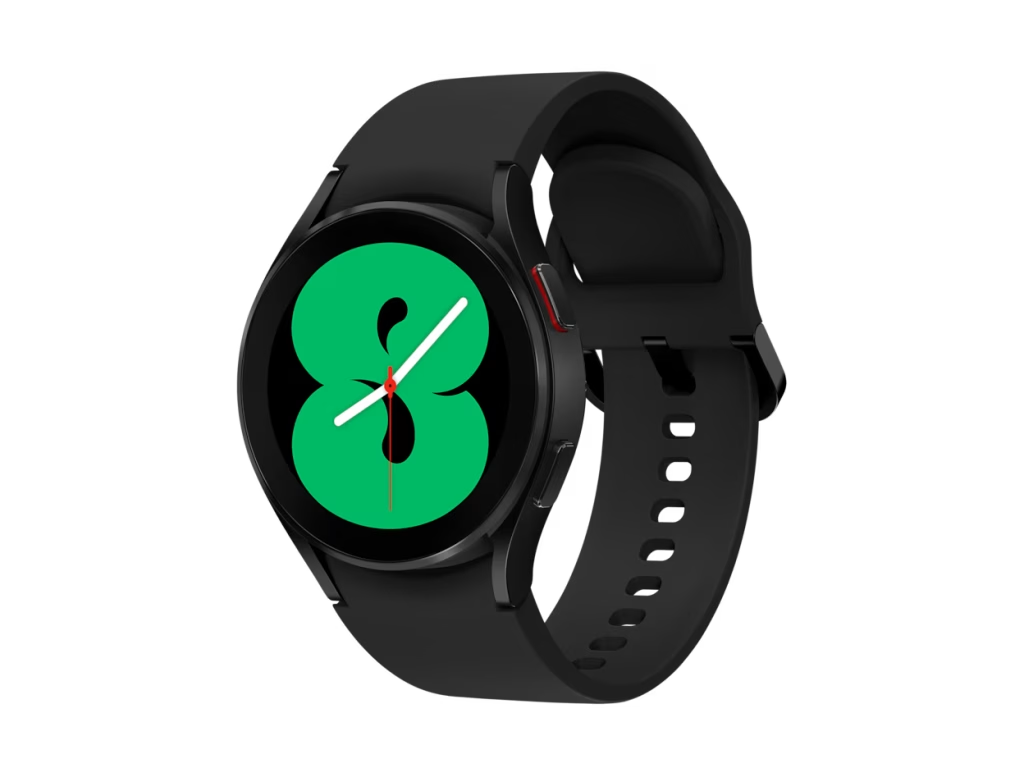
Galaxy Watch Do Not Disturb Feature Faces Issues After One UI 8 Update
Owners of Samsung’s Galaxy Watch series have encountered a frustrating bug affecting the Do Not Disturb (DND) mode following the rollout of the One UI 8 update. Users have reported that when activating DND from the watch’s quick settings panel, the mode automatically disables itself after a few seconds, disrupting the expected quiet experience. This issue spans multiple Galaxy Watch models, including the Galaxy Watch 4 through to the latest Watch 8.
Details of the Bug and Workarounds
Samsung has officially confirmed the problem, explaining that the root cause lies in a synchronization failure between the watch and the paired smartphone running One UI 8. Specifically, when DND is enabled via the watch’s quick panel with the setting “Until I turn it off,” the command does not fully transmit to the phone, causing the feature to deactivate prematurely.
While Samsung is actively developing a permanent software fix, there are practical ways to avoid this inconvenience in the meantime. One effective method is to activate Do Not Disturb through the watch’s full settings menu rather than the quick panel. Users can do this by swiping down on the watch face, tapping the gear icon to access Settings, navigating to Notifications, and enabling DND there. This approach ensures the mode remains active as intended.
Alternatively, turning on Do Not Disturb directly from the connected Galaxy phone’s quick settings will properly sync the status with the watch, keeping DND enabled until manually switched off on either device. This workaround provides a seamless experience without the risk of the setting turning off unexpectedly.
Context and What to Expect Next
This bug has sparked discussions across Samsung’s Community forum, where multiple users have shared their experiences and sought solutions. Samsung’s acknowledgement and commitment to releasing a software update highlight the company’s responsiveness to user feedback. To receive the fix promptly once it becomes available, users should ensure their Galaxy Wearable app is updated to the latest version.
As Samsung continues to refine its One UI software and Galaxy Watch functionality, these temporary workarounds offer a reliable way to maintain uninterrupted Do Not Disturb mode. Watch enthusiasts should keep an eye out for official updates that will resolve this syncing issue and restore full feature stability.
For more detailed information on this issue, you can refer to the community discussions and official statements shared by Samsung.
In summary, while the current DND bug on Galaxy Watches is inconvenient, Samsung’s forthcoming update and the suggested workarounds provide a clear path forward for users seeking peace and quiet.